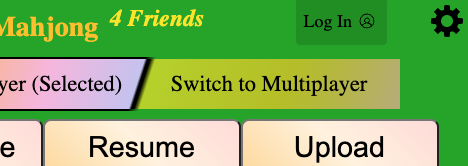
Step 1: Click the Log In button in the top right corner.
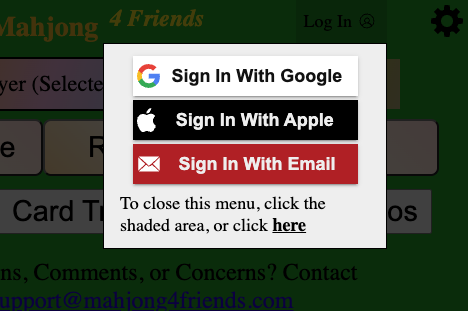
Step 2: Select a Sign In method (Google/Apple/Email).
Card Tracking is now available for all National Mah Jongg League and Marvelous Mah Jongg cards
Step 1: Click the Log In button in the top right corner.
Step 2: Select a Sign In method (Google/Apple/Email).
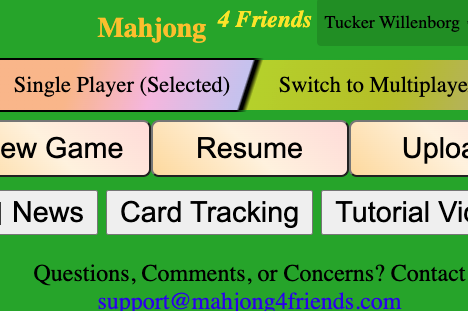
Step 1: Click the Card Tracking button.
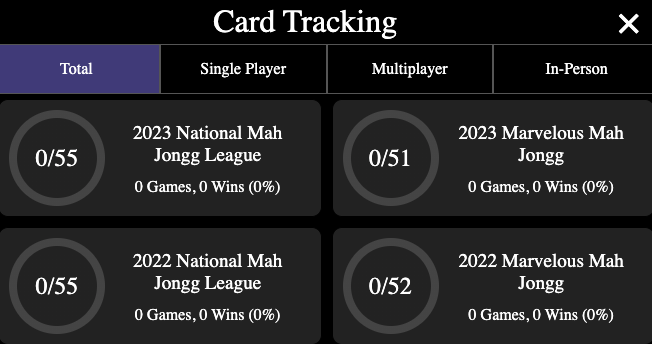
Step 2: Click on a card to see more details.
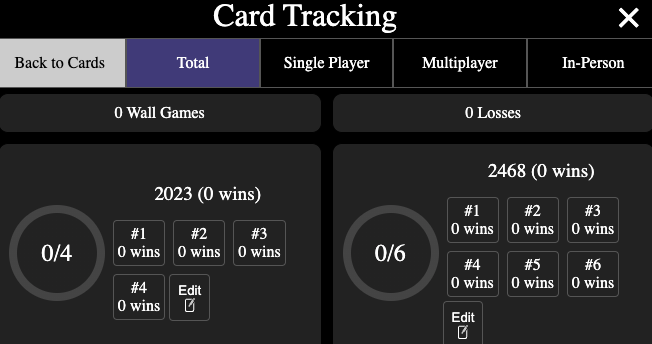
Step 1: Enter card tracking and select the card you're using.
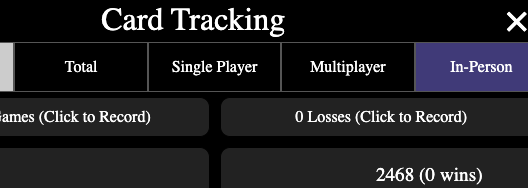
Step 2: Select "In-Person", "Single Player" or "Multiplayer" at top.

Step 3: To enter losses or wall games, use the buttons at the top.
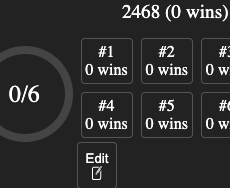
Step 4: To enter wins, click the "edit" button in the section for the hand you won.
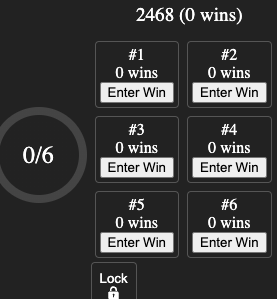
Step 5: Then, click "Enter Win" on the specific hand to enter the win to card tracking.
That's all for now! As always, feel free to use Contact support if you have questions, or suggestions for how to improve the game.